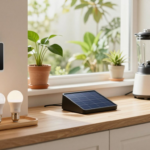
Standby power—often referred to as vampire power or phantom load—is the electricity consumed by electronics that appear to be turned “off” but are actually sitting in a state of continuous readiness. According to researchers at the Lawrence Berkeley National Laboratory, this includes anything waiting for a remote control signal, maintaining a Wi-Fi connection, or displaying a digital clock.
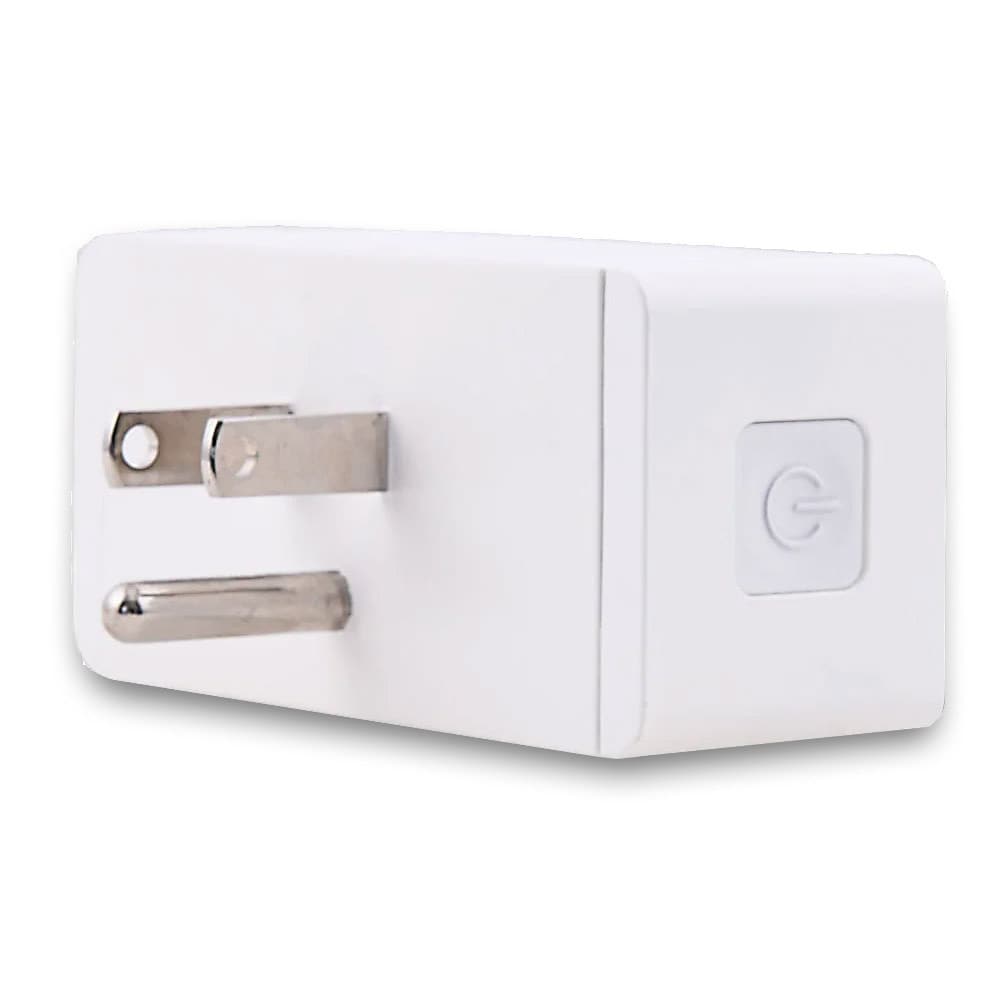
Many homeowners make the mistake of trying to manually unplug every single appliance in their house to save money. This quickly becomes exhausting and unsustainable. The real secret to lowering your electric bill is not unplugging everything; it is targeting the highest-draw clusters in your home using automated smart plugs and routines you don’t even have to think about.
The 10-Minute Quick Start Guide
- Pick one cluster: Start with either your TV entertainment center or your home office desk.
- Consolidate: Plug all the secondary accessories into a single smart power strip.
- Automate: Create one simple routine in your smart home app, such as “Turn off at Midnight.”
- Verify: Use the smart plug’s built-in energy monitor to check your kilowatt-hour (kWh) savings after one week.
1. High-Impact Targets vs. Dangerous Automation
Not all devices are created equal when it comes to smart home automation. Some devices waste massive amounts of energy on standby, while putting others on a smart plug can actually cause data loss, network failure, or severe safety hazards. Here is exactly what you should and shouldn’t automate.
| ✅ Best Targets (Safe & Effective) | ❌ Skip Automation (Risk / Critical) |
|---|---|
|
|
2. How to Find Your Biggest Vampire Offenders
Don’t guess which devices are wasting power; measure them. The most effective way to audit your home is by using an energy-monitoring smart plug or a standalone plug-in electricity usage monitor (like a Kill A Watt device).
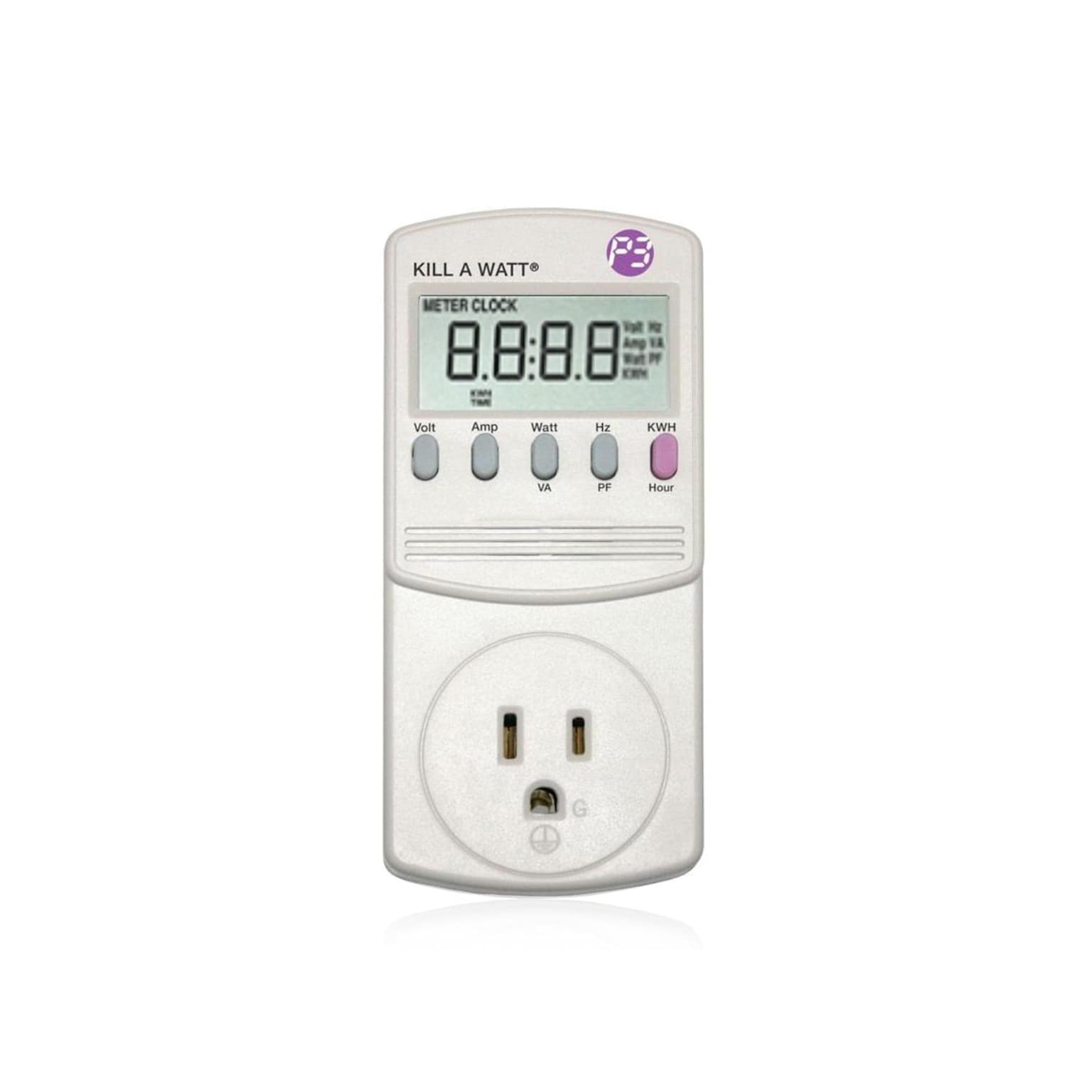
The Department of Energy specifically recommends this exact method for finding real-world wattages rather than relying on vague manufacturer estimates.
To do this: Plug the suspected device into the monitor, turn the device to its normal “off” or “standby” mode with its remote, and look at the screen. If the device is pulling 0.5W, leave it alone. If it is pulling 10W to 20W while supposedly “off,” you have found your target.
3. Converting Watts into Real Money (The Formula)
To understand if a smart plug is worth the investment, you need to know how much money that vampire device is costing you over a year. You can use this simple formula to calculate the annual cost:
Real-World Example: Let’s say your older generation cable box and soundbar draw a combined 15 watts on standby. There are 8,760 hours in a year. If your local electricity rate is $0.20 per kWh, the math looks like this:
- (15W ÷ 1000) = 0.015 kW
- 0.015 kW × 8,760 hours = 131.4 kWh per year
- 131.4 kWh × $0.20 = $26.28 per year wasted
A basic $10 smart plug pays for itself in less than five months on that one setup alone.
4. Smart Plugs vs. Advanced Power Strips
Choosing the right hardware dictates how successful your energy-saving strategy will be. Advanced power strips have been heavily studied by the National Renewable Energy Laboratory (NREL) and proven highly effective at reducing miscellaneous plug loads in residential settings.

When to use a Smart Plug
Ideal for isolated, single devices. Best used for a standalone printer, an isolated coffee maker with an annoying LED screen, or a single charging station. Smart plugs are also great if you want precise, per-device energy monitoring data sent straight to your phone.
When to use a Smart Power Strip
Ideal for clusters. If you have a TV, a game console, an Apple TV, and a soundbar, use a smart strip. Some advanced strips have a “control outlet” (you plug the TV into it), and when the strip detects the TV turning off, it automatically cuts physical power to all the peripheral accessories.
5. Routines That Actually Stick
If you have to manually open an app to turn off a smart plug every night, you will eventually stop doing it. The key to long-term energy savings is invisible automation.
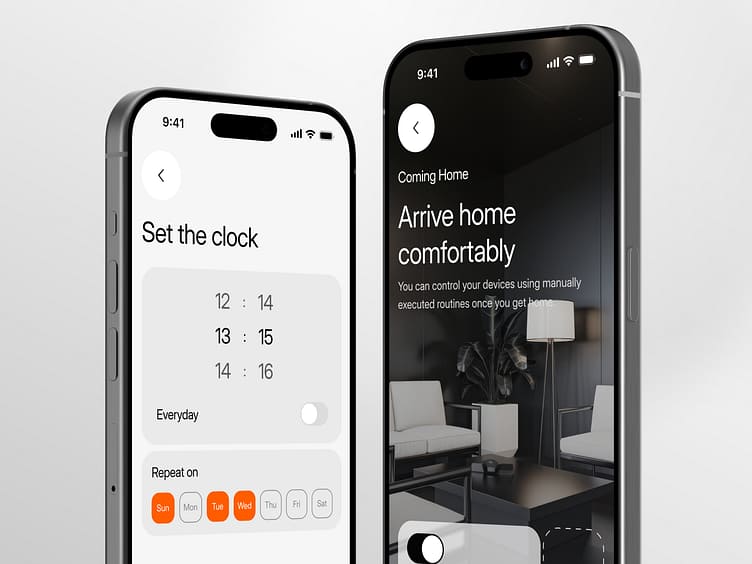
Here are the three most successful routines you can set up in the Alexa, Google Home, Apple HomeKit, or manufacturer app:
- Routine A: The “Night Shutdown” (Highly Recommended). Set a time when you are reliably asleep (e.g., 1:00 AM). Have the system automatically cut power to your entertainment and office clusters. Set them to turn back on at 6:00 AM. You save 5 hours of vampire draw daily without lifting a finger.
- Routine B: The “Workday Office.” If you work a hybrid schedule, set your home office monitors, docking stations, and printers to turn on at 8:00 AM Monday through Friday, and completely shut down at 6:00 PM.
- Routine C: Geofencing “Away Mode.” If your smart home platform supports phone location tracking, have your non-essential clusters power down the moment you drive more than a mile away from your home.
6. Common Mistakes That Wipe Out Your Results
Avoid these frequent pitfalls that ruin the efficiency and convenience of smart plugs:
- Leaving the big cluster behind: Putting a smart plug on a 2W lamp, while leaving a 20W subwoofer plugged directly into the wall next to it. Focus on the big clusters first.
- Over-automating: Creating schedules that are too aggressive. If your smart plug turns off the TV while you are still watching a late-night movie, you will get frustrated and delete the routine entirely. Always build a buffer into your schedules.
- Killing the software updates: Cutting power to a game console overnight might save $5 a year, but it prevents the console from downloading massive 50GB game updates while you sleep. Balance your financial savings with your personal convenience.
FAQs
What is vampire power?
Vampire power, also called standby power or phantom load, is the electricity a device uses when it looks off but is still waiting in the background for things like remote signals, Wi-Fi activity, or clocks to stay on.
Which devices should not go on a smart plug?
Avoid using smart plugs with refrigerators, freezers, medical devices, aquarium support equipment, Wi-Fi routers, security systems, DVR gear, and space heaters.
How can I tell if a device is wasting standby power?
The easiest way is to measure it with an energy-monitoring smart plug or a plug-in electricity monitor. That gives you the real standby wattage instead of guessing.
How much standby power is too much?
Very low standby draw may not be worth worrying about, but devices pulling noticeably more power while “off” are usually the best targets for automation.
Are smart plugs or smart power strips better for vampire power?
Smart plugs work best for single devices, while smart power strips are usually better for grouped electronics like a TV, console, streaming box, and soundbar.
What is the easiest smart plug routine to start with?
A simple overnight shutoff routine is often the easiest place to begin. It can automatically turn off entertainment or office accessories while you sleep and restore power in the morning.