Most people only think about home energy when the bill arrives and the number is higher than expected. By then, the waste has already happened — and there is no easy way to know exactly what caused it.
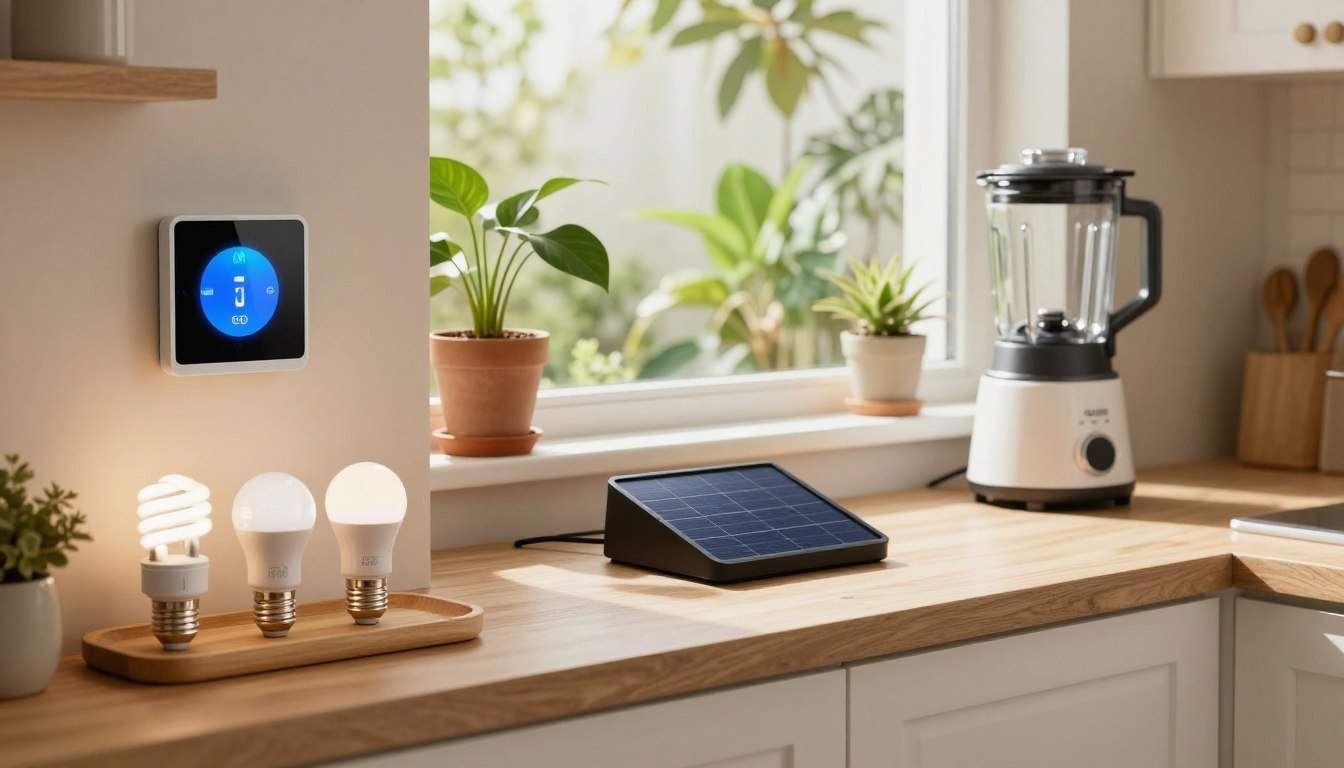
A few simple devices can make home energy use easier to understand. You do not need a full renovation or a large budget. Some changes, such as using smart plugs, replacing old bulbs with LEDs, or improving thermostat schedules, can be simple to set up and useful in everyday homes.
This guide explains which energy-saving gadgets are actually worth considering, what to avoid, and how to choose based on your situation — whether you rent, own your home, or live in a small apartment.
Start with the problem you actually have. If heating or cooling is your biggest cost, a smart thermostat may help. If devices are left plugged in all night, smart plugs are a simple first step. If your lighting still uses old bulbs, switching to LEDs is usually the most practical improvement. You do not need to buy every device at once.
Why Most Homes Waste More Energy Than They Realize

For many households, the only feedback about energy use is a monthly bill. That bill gives you one final number, but it does not always show which appliance, habit, or room is creating the problem.
This is where simple monitoring and automation can help. A smart plug can show whether a TV setup, desktop area, or small appliance is still drawing power when it is not being used. A thermostat schedule can prevent heating or cooling from running harder than needed. A leak sensor can catch a problem before it becomes expensive.
Seeing the problem clearly
The real value of many energy-saving gadgets is not that they magically lower the bill. Their value is that they make waste easier to notice and easier to control. Once you can see what is happening, it becomes easier to make better choices.
For general home energy guidance, you can also review basic efficiency advice from the U.S. Department of Energy’s Energy Saver guide.
What to Try First
If you are starting from scratch, do not begin with the most expensive device. Start with the easiest problem to confirm.
- Check your heating and cooling schedule — this is often the largest energy area in a home.
- Add a smart plug to a TV, console, or desk setup — this is simple, renter-friendly, and easy to test.
- Replace old bulbs with LEDs in the most-used rooms — focus on the rooms where lights stay on the longest.
- Use one energy-monitoring plug before buying bigger tools — test one appliance or setup first.
- Place a leak sensor in a high-risk area — under the sink, near the washing machine, or beside the water heater.
Smart Thermostats: Useful When Heating and Cooling Are the Main Problem

Heating and cooling are often among the biggest energy costs in a home. A smart thermostat can help by making temperature schedules easier to manage, reducing unnecessary runtime, and adjusting settings when no one is home.
Before buying: Smart thermostats work best with homes that have central heating or central air conditioning. If your home uses baseboard heaters, a boiler, a wall unit, or a shared building system, check compatibility first.
Smart thermostat with room sensors
Some smart thermostats include room sensors that help measure temperature away from the hallway thermostat. This can be useful if the living room, bedroom, or home office feels different from the rest of the house.
For example, a thermostat with a remote sensor can help the system respond to the room you actually use instead of only measuring the temperature near the main thermostat.
Good for: Homeowners, multi-room homes, and houses where some rooms feel too warm or too cold.
Keep in mind: Some older HVAC systems need a C-wire or adapter. If you are not comfortable with wiring, ask an HVAC technician or electrician.
Learning thermostat for simple scheduling
A learning thermostat can be useful if you do not want to adjust settings manually every day. These devices build a schedule around your routine and help reduce heating or cooling when the home is empty.
Good for: People who want a low-maintenance setup and already have a compatible central system.
Keep in mind: A smart thermostat cannot fix poor insulation, drafty windows, or an oversized HVAC system by itself. It works best when combined with basic home efficiency improvements.
- If you rent: Ask your landlord before replacing the thermostat. Some landlords may allow it, but you should not change wiring without permission.
- If your bill spikes in winter: A lower temperature while you sleep or while you are away can help over time, especially if your home holds heat reasonably well.
- If you live in a small apartment with no central system: A smart plug, LED lighting, or better window insulation may be more practical than a thermostat replacement.
Lighting: Start With LEDs Before Buying a Full Smart System

Switching to LED bulbs is still one of the simplest lighting changes you can make. Smart bulbs, dimmers, and motion sensors can add convenience, but the first step is usually to make sure your most-used lights are already efficient.
Smart lighting is most useful in places where lights are often forgotten: hallways, bedrooms, living rooms, porches, and children’s rooms. The goal is not to build a complicated smart home. The goal is to stop lights from running when no one needs them.
Smart LED bulbs for schedules and dimming
Smart LED bulbs can be useful when you want to dim lights, set a schedule, or control a lamp without changing the wall switch. They are also renter-friendly because they can be removed and taken with you when you move.
Good for: Lamps, bedrooms, living rooms, and renters who cannot modify wiring.
Keep in mind: Smart bulbs cost more than basic LED bulbs. Start with one room before replacing lights throughout the whole home.
Smart dimmer switches for multi-bulb fixtures
If one fixture has several bulbs, replacing the switch can sometimes make more sense than buying many smart bulbs. A smart dimmer switch can control the entire fixture and make it easier to lower brightness when full light is not needed.
Good for: Kitchens, bathrooms, dining rooms, and fixtures with several bulbs.
Safety note: Installing a wall switch involves household wiring. If you are not comfortable doing it safely, hire an electrician.
- If you rent: Smart bulbs are the easiest option because they do not require wiring changes.
- If you live in a small apartment: Two or three smart bulbs in the main living area may be enough.
- If your home has older wiring: Check switch compatibility before buying any smart dimmer.
Smart Plugs: The Easiest Energy Gadget to Test First
Some devices continue using small amounts of electricity even when they appear to be turned off. This is often called standby power or phantom load. TVs, gaming consoles, desktop computers, speakers, chargers, and office equipment can all contribute to it.
A smart plug can help in two ways. First, it can turn a device off on a schedule. Second, if it includes energy monitoring, it can show how much power that device or setup is actually using.
Single smart plug for one device or lamp
A single smart plug is a simple starting point. You can use it with a lamp, coffee maker, desk setup, or TV area. Many models connect directly to Wi-Fi and can be controlled through an app or schedule.
Best first use: Put one smart plug on a device group that is often left plugged in overnight, such as a TV stand or desk area.
Safety note: Most smart plugs have a power limit. Do not use a basic smart plug with a space heater or high-wattage appliance unless the plug is clearly rated for that load.
Smart power strip for entertainment centers and desks
An entertainment center or home office often has several devices plugged in at once. A smart power strip can control multiple outlets separately, which is useful if some devices need to stay on while others can shut off overnight.
Whole-Home Energy Monitors: Useful, But Not Always the First Step

If your bill is consistently high and you cannot figure out why, a whole-home energy monitor may help. These devices track power use at the electrical panel and show usage data in an app.
Honest note: This is an advanced tool. If you have not already checked basic things like thermostat settings, lighting, standby power, and appliance habits, start there first.
Panel-based energy monitor
A panel-based monitor measures electricity use from inside the breaker panel. Some models try to identify individual appliances by their electrical patterns, while others use sensors on specific circuits.
Good for: Homeowners with confusing bills, large appliances, electric heating, EV chargers, or solar systems.
Safety note: These monitors are installed inside or near an electrical panel. A licensed electrician should handle installation. This is not a beginner DIY project.
Plug-in energy monitor for one appliance
If you only want to test one appliance, a plug-in energy monitor or energy-monitoring smart plug is simpler and cheaper. It can help you check a fridge, dehumidifier, entertainment setup, or desk area before investing in a whole-home system.
Best first use: Test the appliance you suspect is wasting energy before spending money on larger equipment.
Water Leak Sensors: Not About Electricity, But Still Worth Considering
Water leak sensors do not directly lower your electric bill, but they can prevent expensive damage. A slow drip under the sink, a washing machine leak, or a small water heater problem can go unnoticed for days or weeks.
A small leak sensor can send an alert when it detects water. This is especially useful in areas you do not check every day.
Small leak sensor for sinks and laundry areas
A basic leak sensor can be placed under the kitchen sink, bathroom vanity, washing machine, dishwasher, or water heater. It is simple, affordable, and renter-friendly.
Good for: Apartments, older homes, laundry rooms, and any place where leaks could go unnoticed.
Water monitor for larger homes
Some water monitors track flow through the home and can alert you when water is running unexpectedly. These are more useful for homeowners than renters, especially if the home has older plumbing or a history of leaks.
- If you rent: A small leak sensor under the sink is usually easier than anything attached to a meter or plumbing system.
- If you have an older home: Place sensors near plumbing connections, laundry areas, and the water heater.
- If you live in a multi-unit building: You may not have access to the main water meter, so use small local sensors instead.
Window Coverings: Low-Tech Help for Hot and Cold Rooms
Windows can lose heat in winter and allow too much heat in summer. Smart shades are one option, but they are not the only solution. For many people, insulated curtains, blackout curtains, window film, or careful shade timing can be more practical.
Automated shades for consistent timing
Automated shades can close during strong afternoon sun or at night when temperatures drop. They are convenient, but they are usually more expensive than basic curtains or window film.
Good for: Homeowners who want a set-and-forget solution and plan to stay in the same home for several years.
Insulated curtains and blackout curtains
If smart shades are outside your budget, insulated curtains can still help with comfort. They are especially useful for drafty windows, bedrooms, and rooms that receive strong sun.
Good for: Renters, bedrooms, older windows, and people who want a low-tech solution without apps or wiring.
What to Avoid
- Buying a full smart lighting system before testing one room. Smart bulbs can become expensive quickly. Start small and see if you actually use the features.
- Installing a smart thermostat without checking compatibility. Not every heating or cooling system works with every thermostat.
- Changing wiring in a rental without permission. Smart switches and thermostats may require landlord approval.
- Using a smart plug with a high-wattage heater without checking the rating. This can be a fire risk if the plug is not designed for that load.
- Buying a whole-home energy monitor as your first step. It is useful for diagnostics, but simpler changes should usually come first.
- Expecting dramatic savings from one gadget. These devices reduce waste and improve control. Results depend on your home, habits, climate, and energy prices.
A Practical Starting Checklist
Use this as a reference, not a shopping list to complete all at once.
- ☐ Check whether heating, cooling, lighting, or appliance use is the biggest issue in your home
- ☐ Replace old bulbs with LEDs in the rooms you use most
- ☐ Add one smart plug to a TV setup, desk area, or lamp
- ☐ Use an energy-monitoring plug if you want to test one appliance
- ☐ If you own your home and have central HVAC, check smart thermostat compatibility
- ☐ Place a leak sensor under the kitchen sink, near the washing machine, or beside the water heater
- ☐ Improve window comfort with curtains, film, or shade timing before buying expensive automated shades
- ☐ Avoid buying multiple devices until you know which problem you are trying to solve
Final Thoughts
The best energy-saving gadget is not always the most expensive one. For many homes, the biggest improvement comes from understanding where energy is being wasted and fixing one small problem at a time.
If you are not sure where to start, begin with a smart plug on a TV setup or desk area, replace old bulbs with LEDs as they burn out, and review your heating or cooling schedule. Once those basics are handled, larger tools like smart thermostats or energy monitors become easier to judge.
A smart home does not need to be complicated. A few careful choices can make your home easier to manage, more comfortable, and less wasteful.
Common Questions
Do energy-saving gadgets actually lower your bill?
They can help, but results depend on your home and habits. A smart thermostat may help more in a home where heating or cooling runs for long hours. A smart plug may help more if many devices stay plugged in overnight. The main benefit is better control and visibility.
What is the best first energy-saving gadget for renters?
For most renters, a smart plug or smart LED bulb is the easiest first choice. These do not require wiring changes, landlord approval, or permanent installation. A small leak sensor is also useful under sinks or near a washing machine.
Do I need a smart home hub?
Not always. Many smart plugs, bulbs, and thermostats connect directly to Wi-Fi. A hub may be useful later if you want many devices from different brands to work together, but it is not required for a simple start.
Is standby power worth worrying about?
Standby power from one device may be small, but many devices together can add up over time. A smart plug is a low-cost way to test whether a TV setup, desk area, or gaming station is using power when not needed.
Should I buy a whole-home energy monitor?
A whole-home monitor can be useful if your bills are high and you cannot identify the cause. But for most people, it is better to start with simpler steps first, such as thermostat scheduling, LED bulbs, smart plugs, and checking appliance habits.
What should I avoid buying first?
Avoid starting with expensive systems before you know the problem. Full smart lighting setups, automated shades, and panel-based energy monitors can be useful, but they are not always the best first purchase. Start with one simple device and measure whether it helps.